
Image path:
assets/result-watermark.webp
assets/result-watermark.webp
Watermark photo
Overlay a logo or signature to protect portfolio images before publishing.
watermarklogo
Private browser editor
Upload a base image, add an overlay image, then adjust opacity, blend mode, size, and rotation in this free image overlay tool.
Real result images show common image overlay jobs: watermarking, product badges, comparisons, mockups, listings, and social graphics.
Overlay a logo or signature to protect portfolio images before publishing.

Place sale labels, feature badges, or brand marks on product shots.
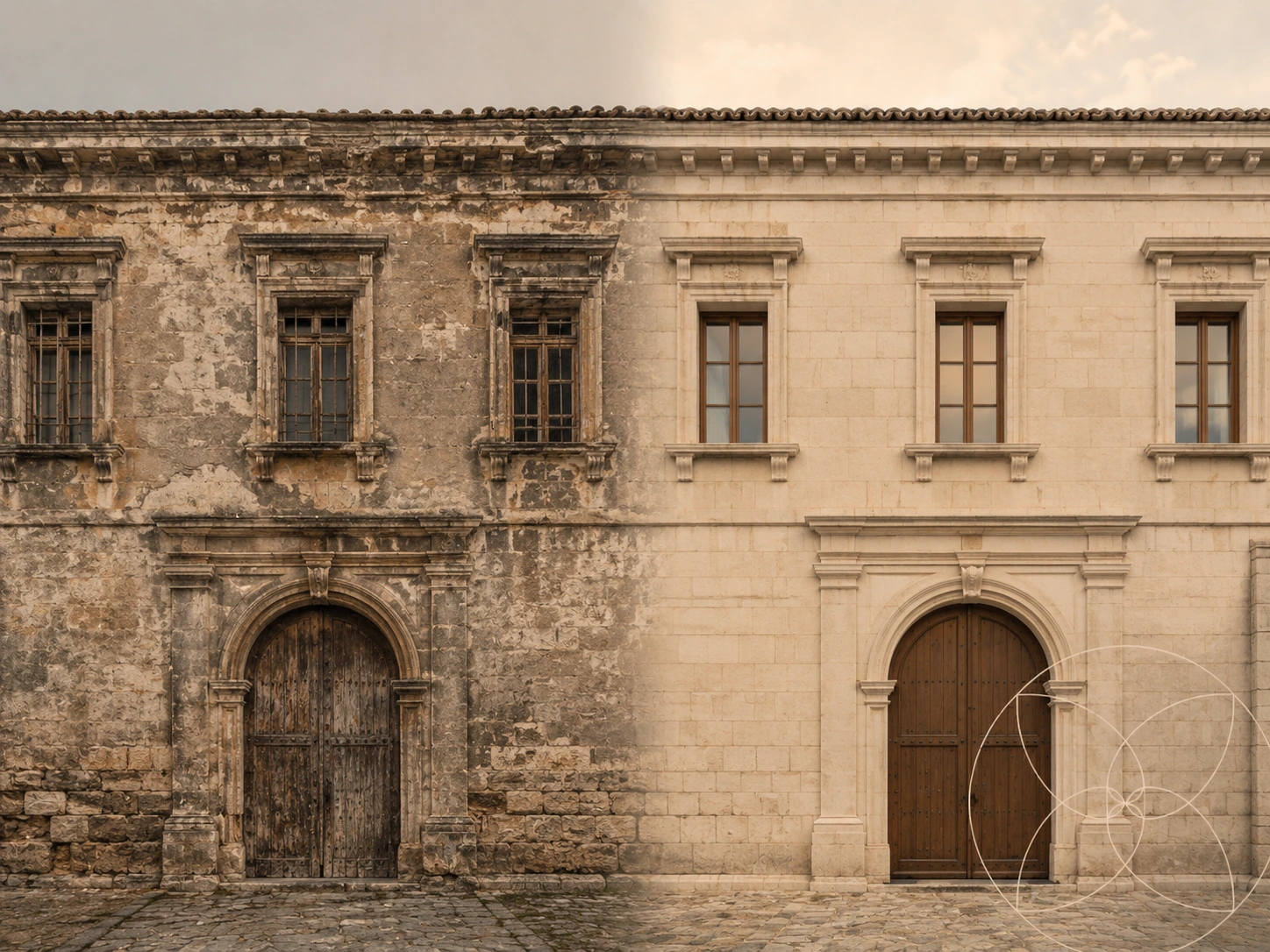
Overlay images at adjustable opacity to compare edits or restoration work.

Overlay stickers, frames, and textures for fast social graphics.

Overlay property labels, agency logos, or open-house details on listing photos.

Blend paper, film grain, light leaks, or pattern overlays into photos.
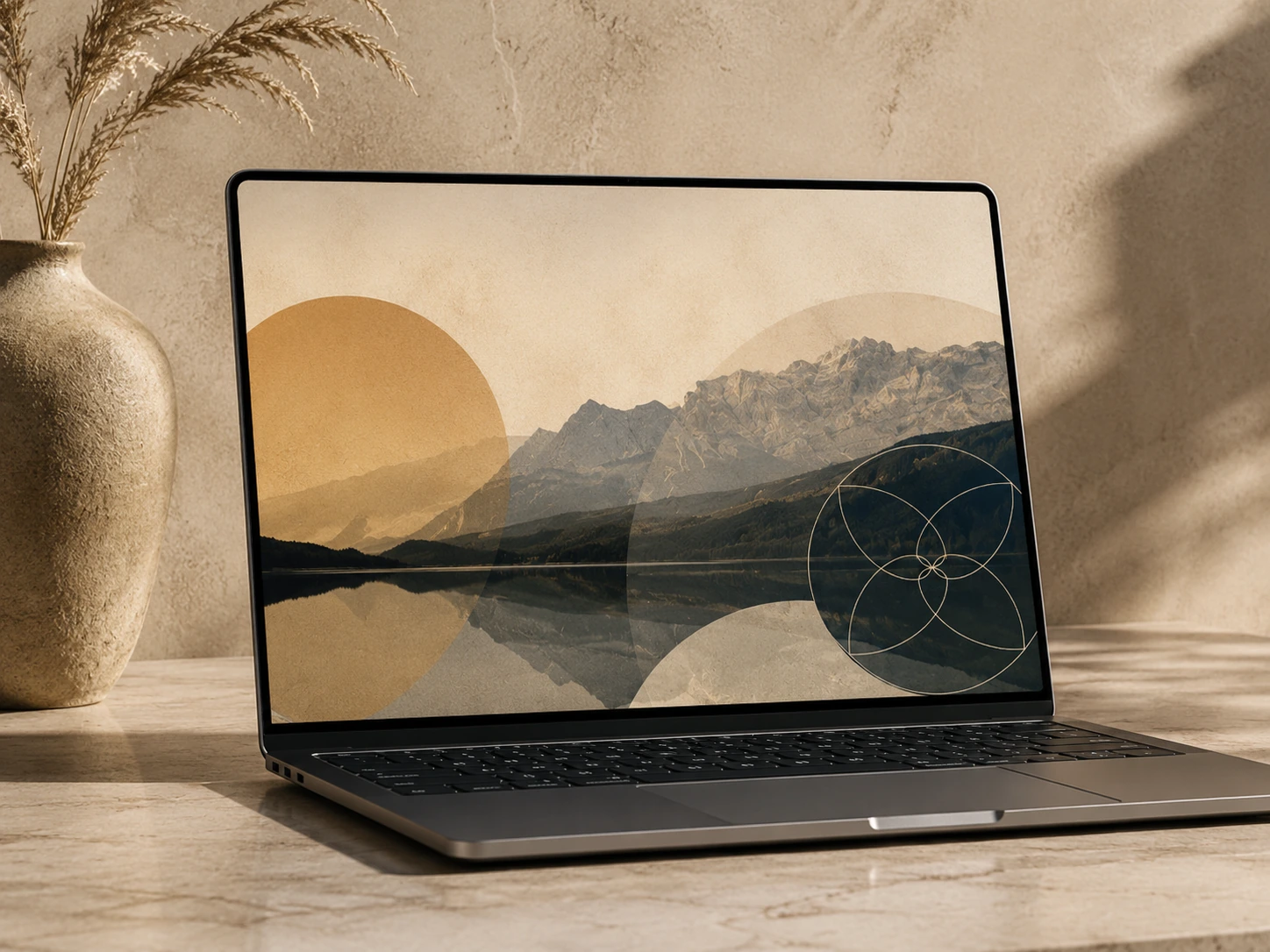
Use image overlay placement to put artwork or UI screenshots onto devices, posters, and packaging.

Apply branded overlay frames for parties, conferences, launches, and campaigns.
Use this free image overlay tool to overlay images online in three steps for logos, watermarks, badges, frames, textures, and quick comparison graphics.
Choose a base image, product shot, mockup, or background canvas.
Add the overlay image, drag it on canvas, then tune opacity, scale, rotation, and blend mode.
Download the finished composition as PNG, JPEG, or WebP without creating an account.
The image overlay editor keeps important choices close to the canvas without turning a small job into a full design app.
The image overlay tool uses canvas processing to keep files local during editing and export.
Drag the overlay image directly on the preview, then use center, fit, and nudge controls for small corrections.
Use opacity plus blend modes to overlay images for watermarks, texture overlays, light effects, and comparisons.
People search for overlay images when they need a small production task finished immediately. The tool is tuned for those high-intent image overlay moments.
Short answers for the questions that come up before using an image overlay tool.
Upload a base image, upload an overlay image, drag the overlay into position, adjust opacity or blend mode, then download the final image.
Yes. You can overlay images online for free, adjust the overlay image in your browser, and export the final image without creating an account.
Yes. Transparent PNG logos, watermarks, frames, and stickers work well because their alpha channel is preserved during canvas rendering.
No. The current tool uses browser canvas processing. Images stay on your device unless you choose to share or upload them somewhere else.
You can export the composed image as PNG, JPEG, or WebP. PNG is best when you care about crisp graphics or transparency.